Key Takeaways:
- An AI mobile app builder is a platform that uses AI to help you design, build, and launch software via simple text and prompts.
- The working process of AI mobile app builders begins with prompting, generation, iteration, and then deployment.
- The best AI mobile app builders list comprises Nativly, Zite, Lovable, Replit, and Flutterflow.
- You can select the best AI mobile app builders by evaluating the requirements, analysing the AI capabilities, reviewing the code ownership, assessing complexity, reviewing security, and then comparing the total cost.
- Partner with the right AI mobile app developer based on your preferences and business requirements.
The era of spending months and thousands of dollars to build an app is quickly coming to an end. In 2026, the AI mobile app builders are making it all possible, helping founders, startups, and businesses to launch apps faster.
With dozens of platforms promising instant app creation, choosing the right one can be overwhelming. Some of the apps focus on native iOS and Android apps, while others excel at rapid prototyping, automation, and code ownership.
Hence, you need to evaluate your priorities before selecting the right AI mobile app builders. In this guide, we’ll break down the best AI mobile app builders in 2026, comparing their features, pricing, strengths, and limitations, that can help you to make a better choice.
What is an AI App Builder?
AI app builder is a platform that uses artificial intelligence to help you design, build, and launch software using simple text or voice prompts rather than traditional coding. Here, instead of writing the manual code, you describe your idea in plain english language, and AI creates a user interface and logic.
How Does it Work?
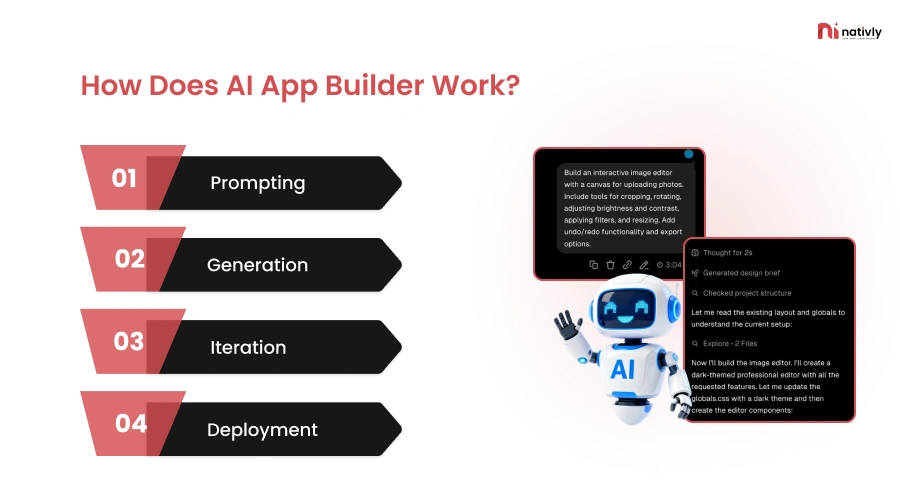
An AI builder starts to work when a user lands on it. Here’s how it works:
-
Prompting
Here, you state what you want to build, such as creating a team dashboard with a calendar and a chat feature, or uploading a mockup.
-
Generation
In this step, AI translates the text into a working application prototype, handling the front-end (UI) and back-end logic automatically.
-
Iteration
Here, you review the live app and give the AI more feedback for changing colors, adding features, and adjusting user permissions.
-
Deployment
Once it looks right, you publish the web or mobile app to the public with a single click. It helps to push your prototype from a closed environment to a live, public URL.
Now, let’s proceed with the complete list of the best AI mobile app builders in the following section.
List of The Best AI Mobile App Builders in 2026
Here is the list of the best AI mobile app builders in 2026:
1. Nativly
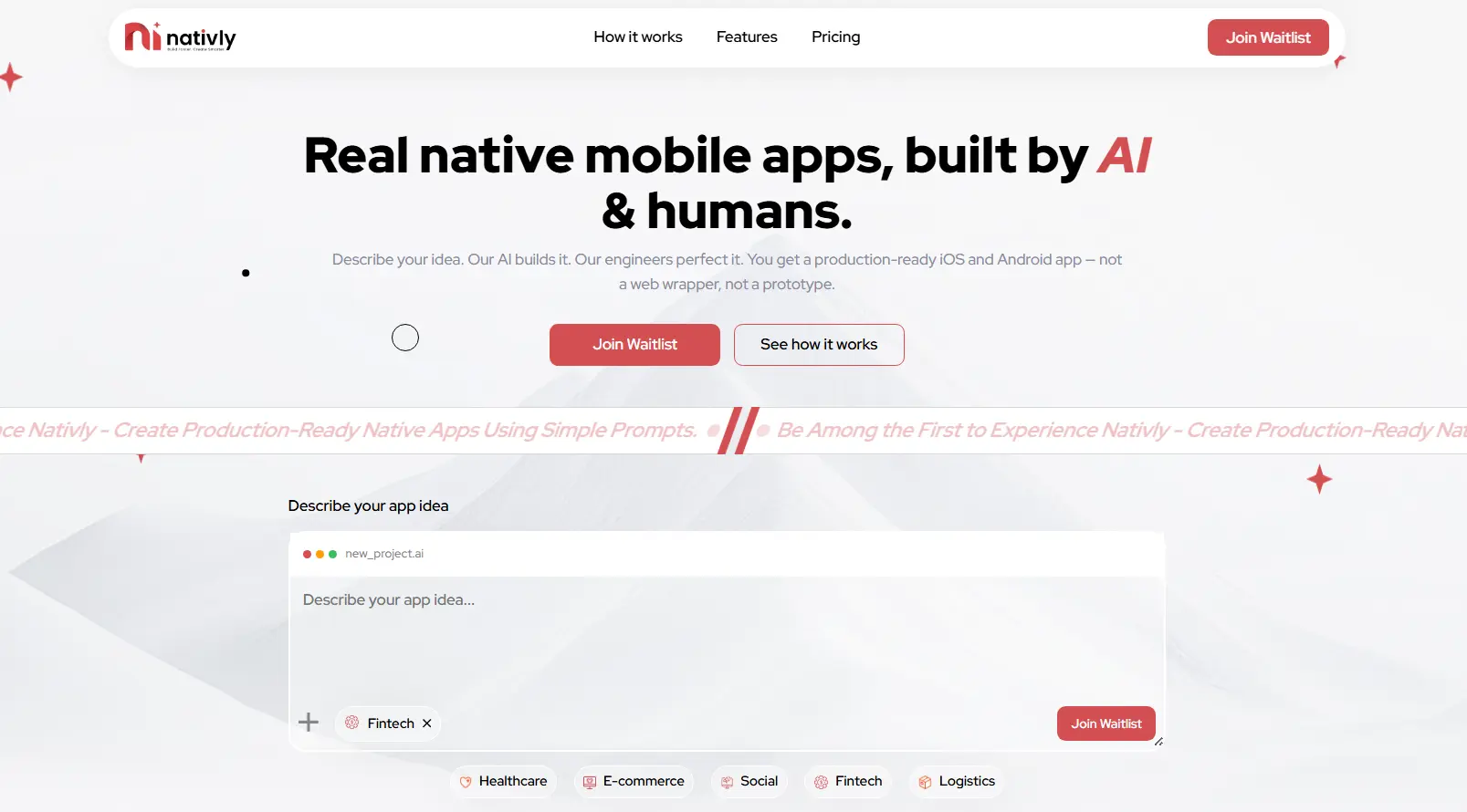
Nativly AI is the best AI mobile app builder, an AI-powered platform that builds native iOS and Android mobile apps from natural language prompts. Instead of coding or even using traditional drag-and-drop templates, users here describe their app idea in simple English.
Key Features
- Real native code
- Built-in backend infrastructure
- Natural language app generation
- App Store and Google Play deployment
- Visual editor and code ownership
Pros and Cons Table
Here is the list of pros and cons related to the AI mobile app builder:
| Pros of Nativly AI Builder | Cons of Nativly AI Builder |
| Fast app creation from simple text prompts | New platform with a limited long-term track record |
| Builds for both iOS and Android simultaneously | Complex business logic may still require developers |
| Live side-by-side mobile previews | AI-generated code may need debugging and refinement |
| GitHub export and full code ownership | Fewer integrations compared to mature no-code platforms |
| No vendor lock-in; code remains accessible | Credit-based pricing can become costly with heavy usage |
| One-click app store publishing support | Not yet proven for large-scale enterprise applications |
| Bug-fix generations don’t consume credits | Performance and scalability at scale are still being tested |
Pricing
The starting price to use nativly is:
- $19 per month
- MVP Launch plan is $199 per month
- Custom quote for enterprises
2. Zite
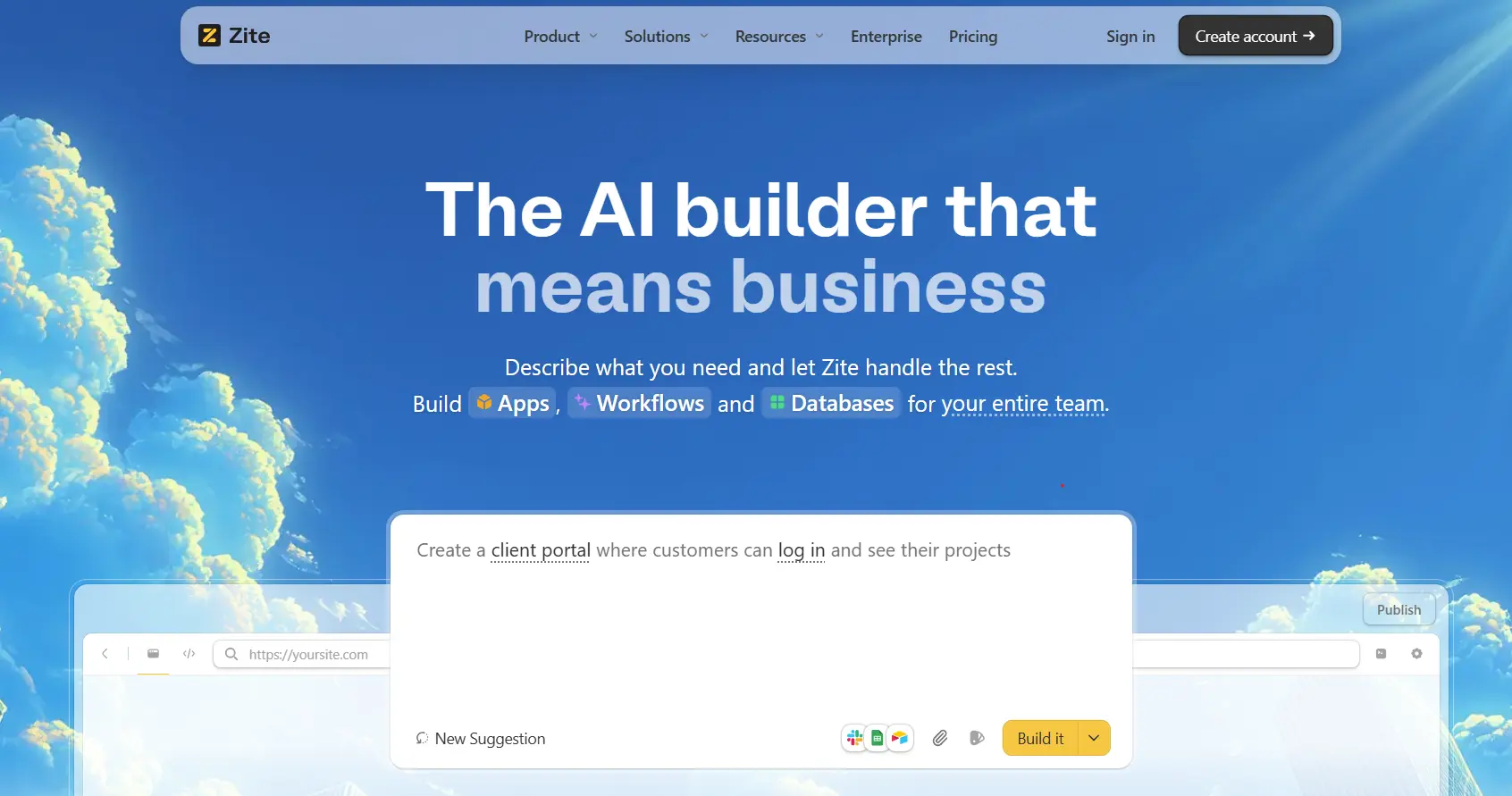
Zite generates production-ready business software such as client portals, dashboards, and even team tools, from prompts. This platform provides secure hosting, SOC 2 type II compliance, authentication, and access controls.
Key Features
- AI app generation
- Built-in database
- Visual workflow editor
- Production-ready security
- Effective integrations
Pros and Cons Table
Here is the list of advantages and disadvantages related to the Zite AI builder:
| Pros of Zite AI Builder | Cons of Zite AI Builder |
| Build apps using simple text prompts | Relatively new platform in the AI builder space |
| No coding required | Advanced customizations may have limitations |
| Built-in database, authentication, and hosting | Ecosystem is smaller than established platforms like Bubble |
| Visual workflow and logic editor | Long-term scalability is still being evaluated by users |
| Integrates with tools like Google Sheets, Airtable, and Slack | Less community support and fewer tutorials available |
| Role-based access control and permissions | May require prompt iterations to get desired results |
| Fast deployment of business apps and portals | Not primarily focused on native mobile app development |
Pricing Structure
Pro starts at $15 per month (billed annually) or $19/month, which is billed monthly. However, for businesses starts at $55/month (billed annually). It includes everything in Pro Plus, from 250,000 database records to unlimited custom domains and advanced AI models.
3. Lovable
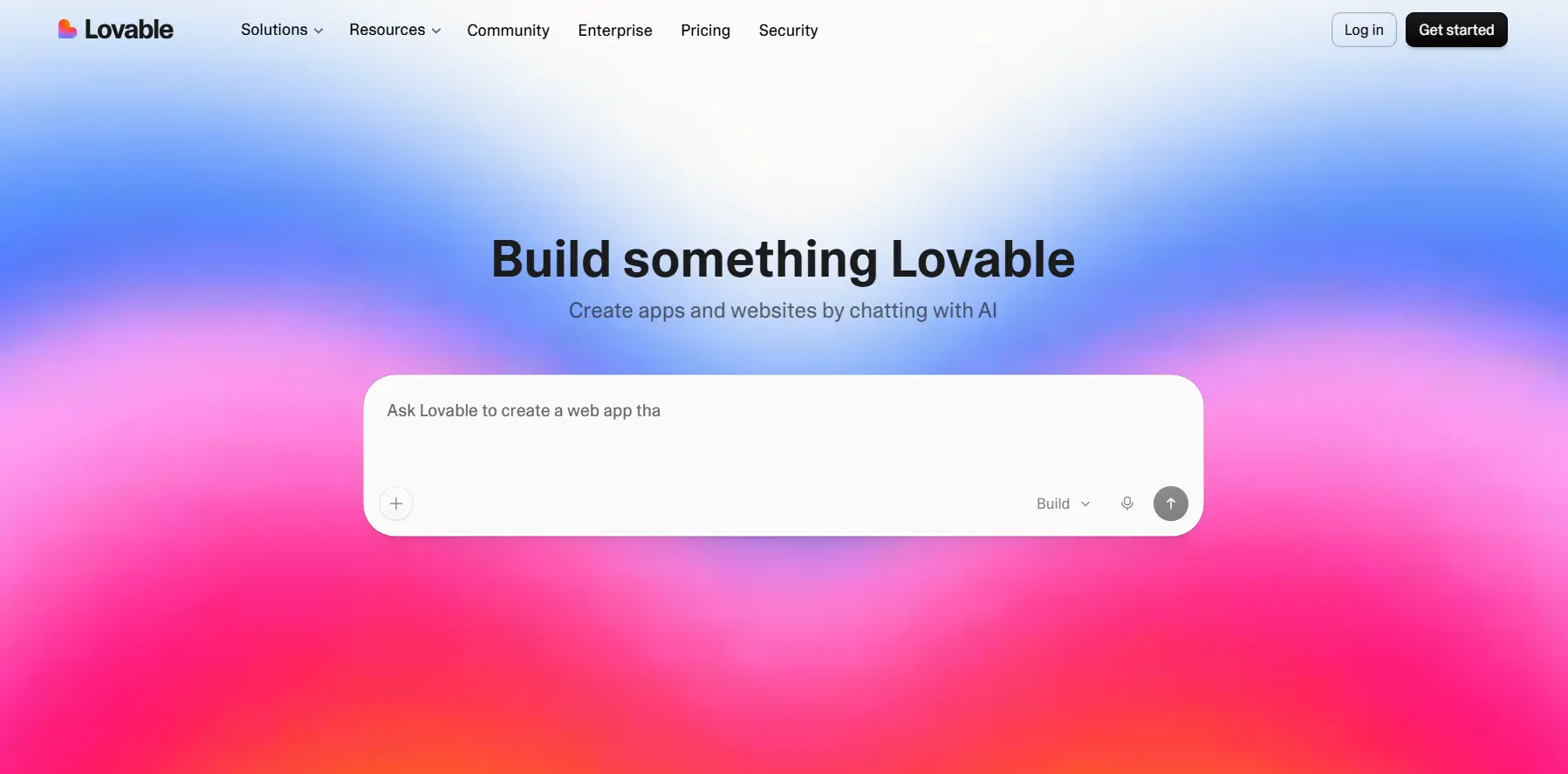
Lovable is an AI-powered “vibe coding” platform that allows users to create fully functional web apps and websites, just by describing what they want in plain English. This is one of the best AI mobile app builders, where you can easily configure them to feel, look, and act exactly like native mobile applications.
Key Features
- Backend infrastructure
- AI integration
- Enhances user experience
- Customization & iteration modes
Pros and Cons Table
Here is the list of advantages and disadvantages related to the lovable AI mobile app builder:
| Pros of Lovable AI Builder | Cons of Lovable AI Builder |
| Build apps and websites from natural language prompts | AI-generated outputs may require manual refinement |
| Extremely fast prototyping and MVP development | Limited control over highly complex custom features |
| Beginner-friendly with no coding required | Can become expensive with heavy usage |
| Generates clean, editable code | Advanced integrations may need developer support |
| Easy integration with databases and APIs | Not ideal for large-scale enterprise applications |
| Real-time editing and iteration | Performance optimization may require manual work |
| Great for startups, founders, and rapid validation | Newer platform with a smaller ecosystem than established builders |
Pricing Structure
Lovable AI uses a mixed pricing model that combines a monthly subscription tier with a task-based credit system. Through lovable AI, you can start free from $0 per month, a pro version that is designed for fast-moving teams building together in real time from $25 per month, business version from $50 per month.
4. Replit
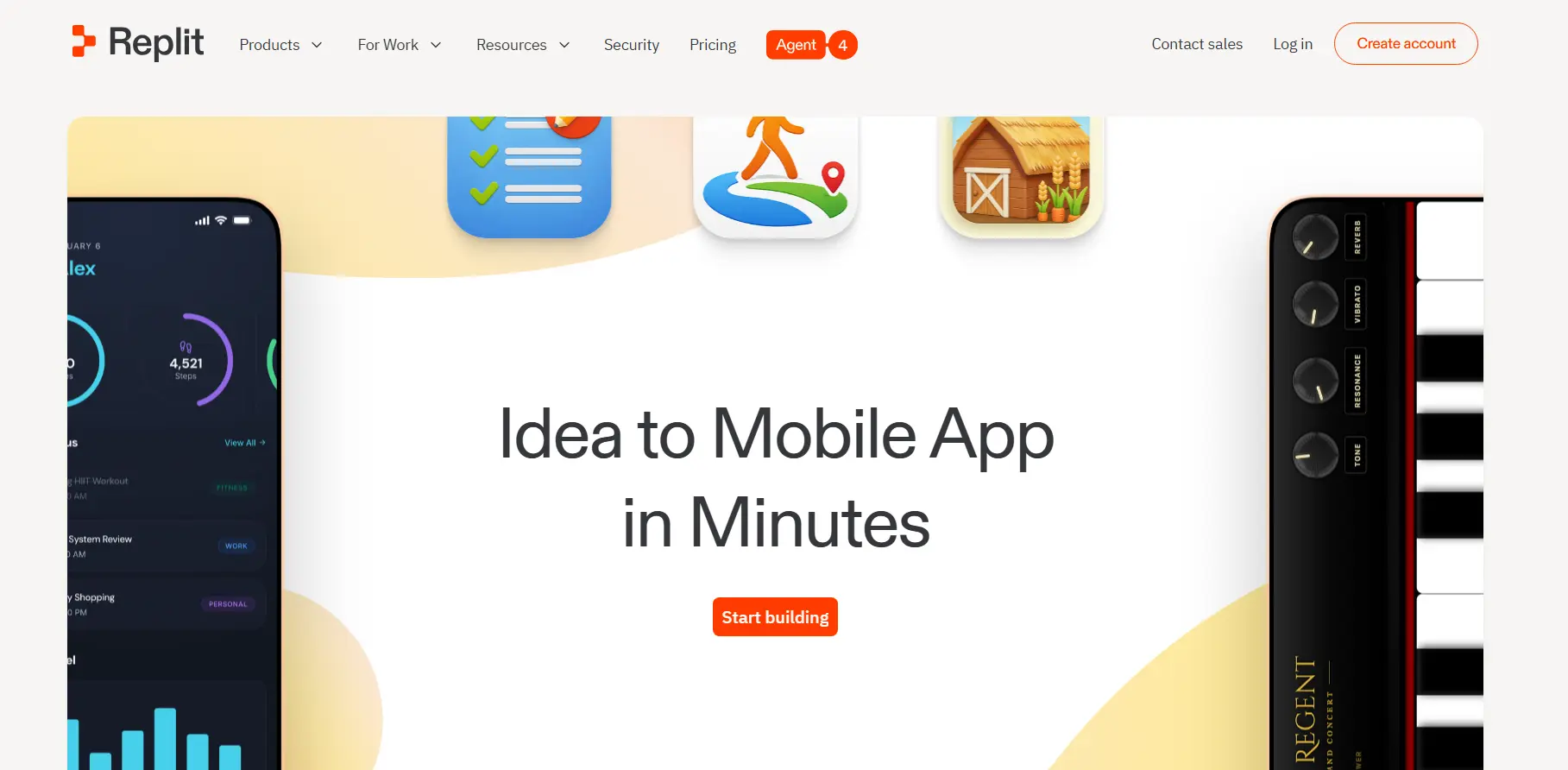
The Replit is among the top 10 AI app mobile builders that allow anyone to create native iOS and Android apps without coding. This AI-powered platform generates production-ready code, manages cloud infrastructure, and offers guided submission to the Apple App Store and Google Play.
Key Features
- AI-first scaffolding
- React native and Expo integration
- Full-stack infrastructure
- Seamless deployment and publishing
Pros and Cons Table
Here are the advantages and disadvantages related to the Replit AI app builder:
| Pros of Replit AI App Builder | Cons of Replit AI App Builder |
| Builds apps from natural language prompts | Generated code may require debugging |
| Full access to source code and project files | Mobile apps often need additional setup for deployment |
| Supports rapid prototyping and MVP development | Complex applications may require experienced developers |
| Integrated coding, testing, and deployment environment | AI-generated architecture may not always be optimized |
| Supports collaboration and real-time editing | Usage costs can increase with intensive AI use |
| Flexible for web, backend, and mobile app projects | Requires some technical understanding for advanced customization |
| Large developer community and ecosystem | Not a dedicated mobile-first app builder |
Pricing Structure
The starter package for the use of Replit is free, while Replit core varies from $20 to $25 per month. It provides access to the full AI agent, $20/month in usage credits, and removes the “made with Replit” badge.
5. vO
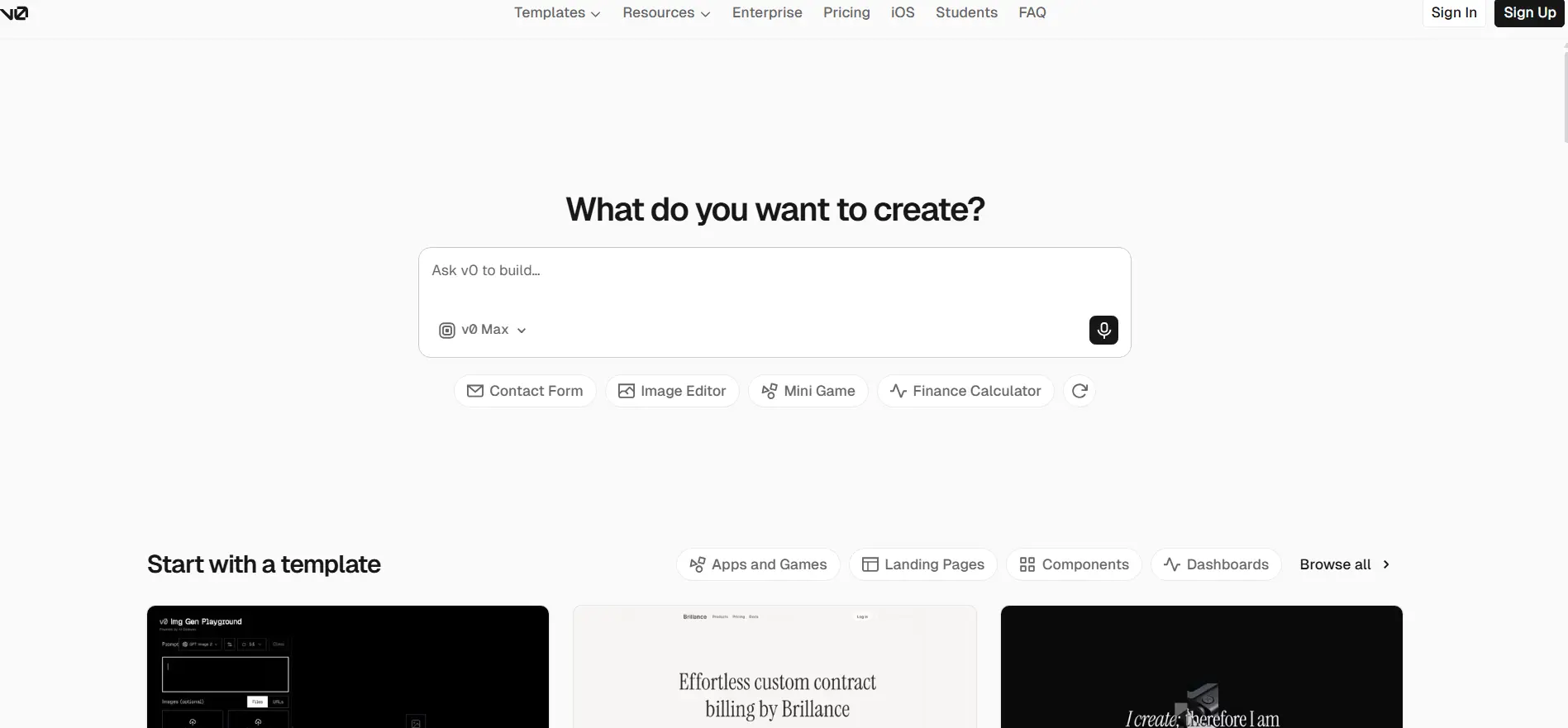
vO is developed by Vercel. It is a generative UI system that translates natural language prompts into ready-to-use code. This is among the best mobile app builders in 2026, which translates text prompts into functional code, though it primarily focuses on web and full-stack development rather than standalone native mobile apps.
Key Features
- Built-in backend and databases
- Native device features
- Visual editors & live testing
- One-click deployment
Pros and Cons Table
Here is the list of advantages and disadvantages related to the AI mobile app builder in 2026:
| Pros of v0 AI Builder | Cons of v0 AI Builder |
| Generates apps and UI from natural language prompts | Better suited for web apps than true native mobile apps |
| Produces clean, production-ready React code | Requires technical knowledge for advanced customization |
| Fast MVP and prototype development | Complex backend logic often needs manual coding |
| GitHub integration and code ownership | Credit-based pricing can become expensive |
| One-click deployment through Vercel | Generated code may require debugging and review |
| Supports Figma-to-code and visual editing | Strongly tied to the React/Next.js ecosystem |
| Excellent for frontend and UI generation | Not ideal for large enterprise-grade applications without developer involvement |
Pricing
The pricing of vO begins from a premium monthly subscription of $20/month, while there is a free version of vO by Vercel, where $5 of monthly credits and 7 messages per day are included.
For a team version, which is ideal for collaboration, it costs for $30 of monthly credits per user. And for business, it costs for $100/user/month, which offers enhanced support and training data.
6. FlutterFlow
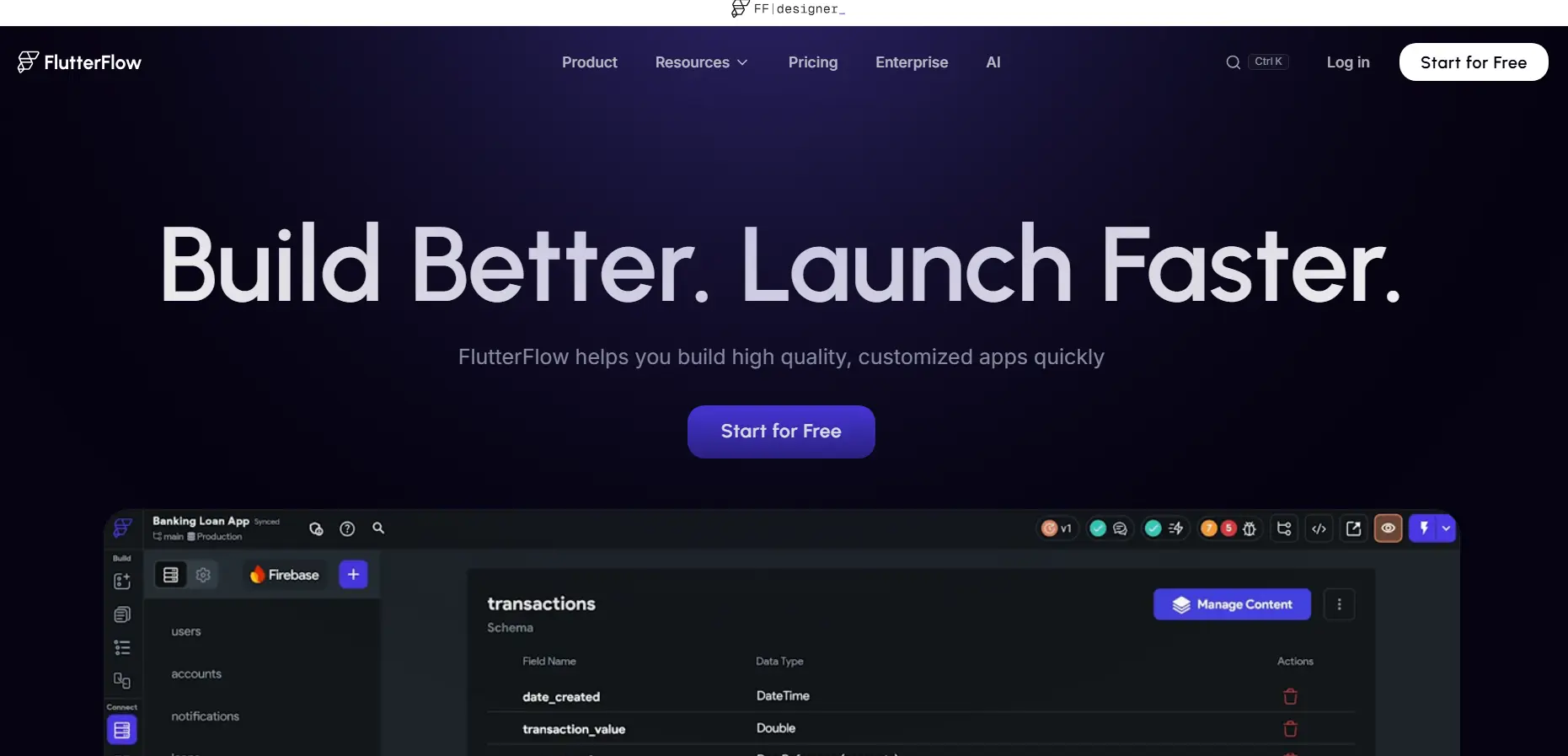
FlutterFlow is among the best AI mobile app builders in 2026. It combines Gemini-powered AI prompts with granular visual controls, letting you design, build, and publish complex iOS and Android apps without rolling the dice on pure AI code.
Key Features
- Instant AI UI generation
- Intuitive visual drag-and-drop editor
- Seamless backend integration
- Full source code export
Pros and Cons Table
Here is the list of advantages and disadvantages related to FlutterFlow:
| Pros of FlutterFlow | Cons of FlutterFlow |
| Visual drag-and-drop builder powered by Flutter | Steeper learning curve than basic no-code platforms |
| Build once and deploy everywhere | Advanced customizations may require Flutter/Dart knowledge |
| Builds native iOS, Android, web, and desktop apps from a single codebase | Complex app logic can become difficult to manage visually |
| Strong Firebase integration for authentication, database, and storage | Vendor-specific workflows can create migration challenges |
| Collaborate effectively with the team using branching | App performance depends on proper optimization and architecture |
| Real-time UI design with responsive layouts | Large projects can become harder to maintain within the visual editor |
| Leave comments and assign tasks to each other seamlessly | Some advanced features require higher-tier plans |
| Suitable for MVPs as well as production-grade applications | Third-party integrations may require a custom development effort |
Pricing
The pricing of the FlutterFlow AI mobile app builder ranges from $0 to $150+ per month. The starting version of the FlutterFlow AI mobile app builder begins with a free version, the basic version starts at $39 per month, growth happens with $80 per month for the 1st seat, and for business, $150 per month.
7. Dyad
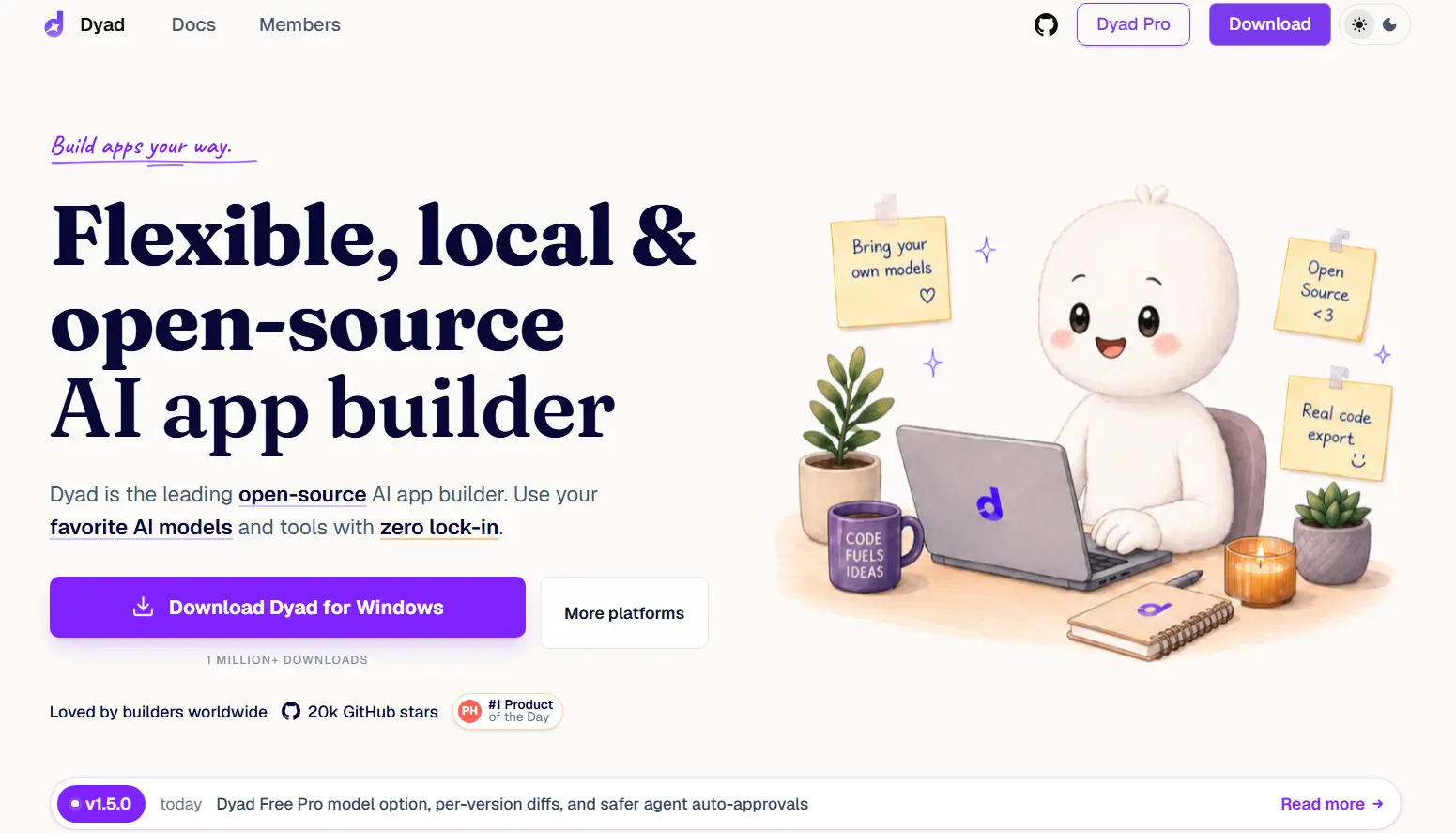
Dyad is an open-source, flexible, and local AI app builder that uses your favorite AI models and tools with zero lock-in. It is a free, local-first, open-source AI application builder that allows users to generate full-stack web apps by describing what they want in natural language.
Key Features
- Local first & privacy focused
- Real device preview availability
- Full-stack AI generation
- Provides full code ownership
Pros and Cons Table
The given table lists the key advantages and disadvantages of using the Dyad AI mobile app builder:
| Pros of Dyad AI Builder | Cons of Dyad AI Builder |
| Runs locally, that feels like an owner, not a renter. | Primarily geared toward developers and technical users |
| Open-source with full transparency and control | Smaller ecosystem compared to Lovable, Replit, or FlutterFlow |
| Supports multiple AI models (OpenAI, Anthropic, Gemini, Ollama, etc.) | Requires users to manage their own AI API keys in many cases |
| No vendor lock-in; export and own your code completely | Fewer pre-built templates and integrations than mature platforms |
| Works seamlessly with IDEs like VS Code and Cursor | Setup can be more involved than cloud-based builders |
| Built-in support for Supabase, authentication, and databases | Community support is growing, but still relatively small |
| Security scanning helps identify vulnerabilities early | Newer platform, so occasional bugs and feature gaps may exist |
| Free local version available for unlimited experimentation | Less suitable for non-technical users seeking a fully guided experience |
Pricing
Dyad offers a free and open-source version of the AI mobile app builder, where users can test their idea before taking a pro version. The pro version costs $20 per month, while the Dyad Max version costs $79 per month.
8. Figma Make
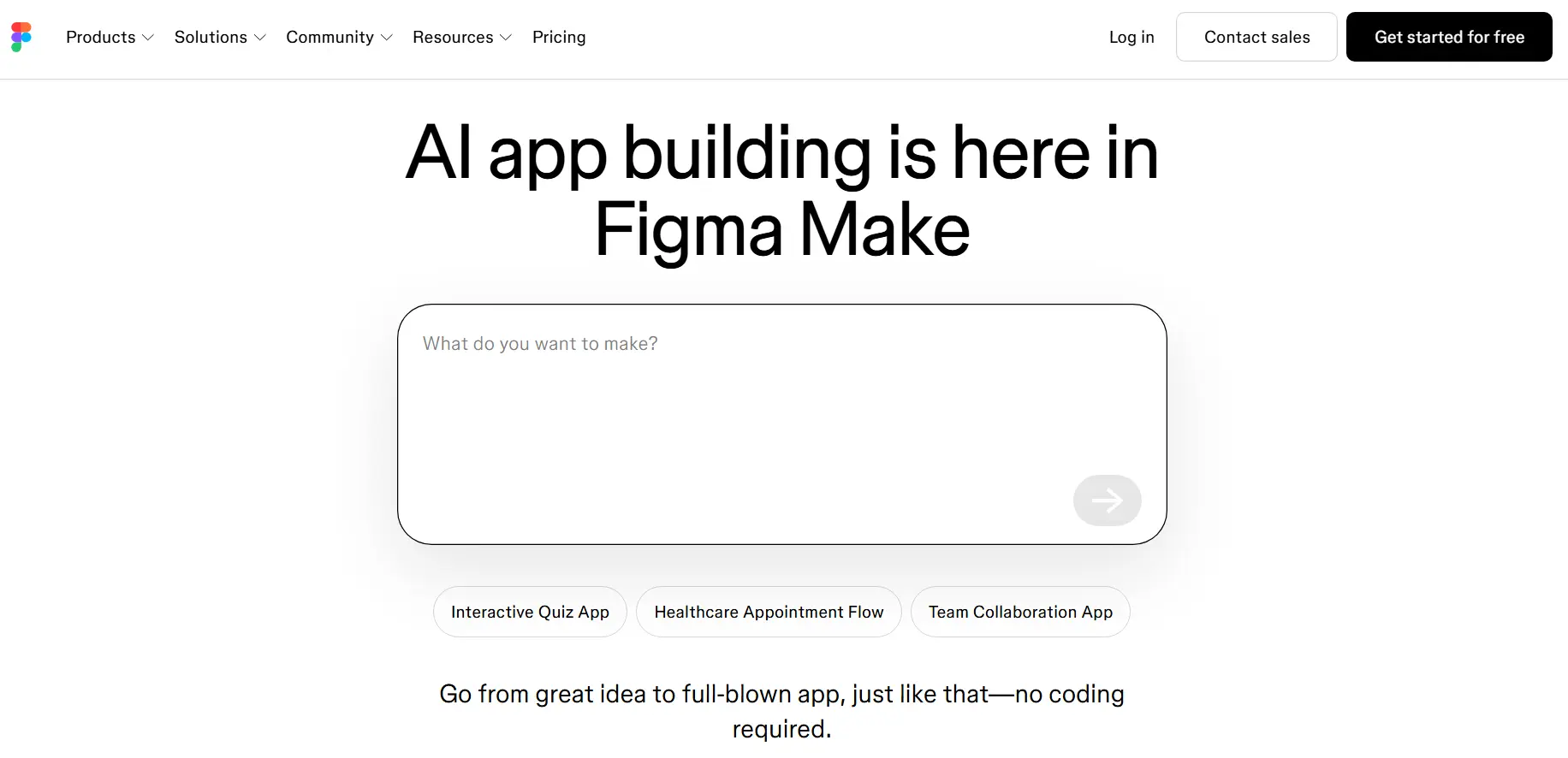
Figma offers a platform where users can make a free no-code AI app builder and convert their idea into an app in seconds. This is among the top AI mobile app builders in 2026, which is a responsive app prototype and production-ready code in seconds.
Key Features
- Prompt-to-app generation
- Contextual attachments
- Design system integrations
- Point-and-edit editing
Pros and Cons Table
Here is the list of pros and cons of using Figma Make:
| Pros of Figma Make | Cons of Figma Make |
| Turns prompts and designs into interactive prototypes quickly | Designed for prototyping, not full-scale app development |
| Integrated directly into the Figma design workflow | Limited backend functionality and database support |
| Enables non-developers to create app experiences visually | Complex workflows often require manual refinement |
| Builds an app with real data | AI-generated outputs can be inconsistent |
| Edit and fine-tune the AI outputs | Production deployment still requires developer involvement |
| Bridges the gap between design and interactive prototyping | Not ideal for large, feature-rich applications |
Pricing
You can start a free pricing model, where limited access to the Figma products is offered. The professional monthly plans start from $20, and an annual full seat plan starts from $16 per month. Organization is billed annually at a full seat of $55 per month, and enterprise is billed annually with a full seat of $90 per month.
9. Bubble
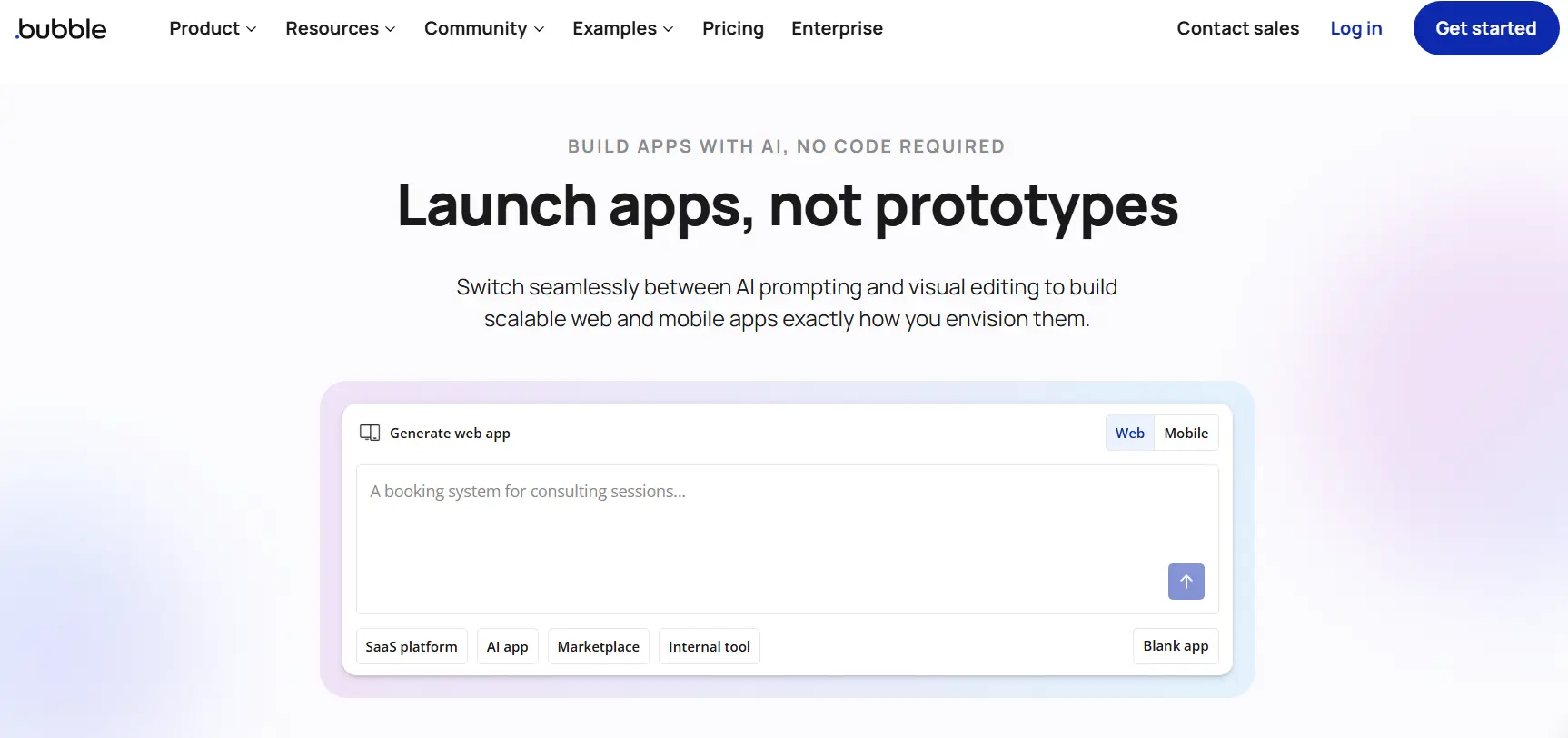
Bubble offers a true mobile app development stack with the visual tools, real logic, and native functionality. Here, you can launch production-ready apps and can scale your complete business. This AI mobile app builder helps users to generate mobile-specific UI, database setups, and workflows from a single tech stack and backend.
Key Features
- Supports native iOS & Android development
- Visual full-stack builder
- Manages backend successfully
- Offers real-time previewing
Pros and Cons Table
Here is the table stating the advantages and disadvantages of Bubble as an AI mobile app builder:
| Pros of Bubble for Mobile App Development | Cons of Bubble as an AI Mobile App Builder |
| No-code platform for building apps without programming | Not a native AI-first app builder like Lovable or Replit |
| Powerful visual editor for workflows and app logic | AI-assisted app generation capabilities are limited |
| Built-in database, user authentication, and API integrations | Complex apps can become difficult to maintain visually |
| Large plugin marketplace and strong community support | Performance can be slower for highly complex applications |
| Enables rapid MVP and business app development | Vendor lock-in concerns if not using code-export alternatives |
| Supports responsive web apps and mobile app wrappers | Advanced customizations may require plugins or developer expertise |
Pricing
With the Bubble AI app builder platform, the fee structure is divided into base plans and workload units, scaling dynamically depending on the complexity of your app, and even based on the user base.
10. Glide
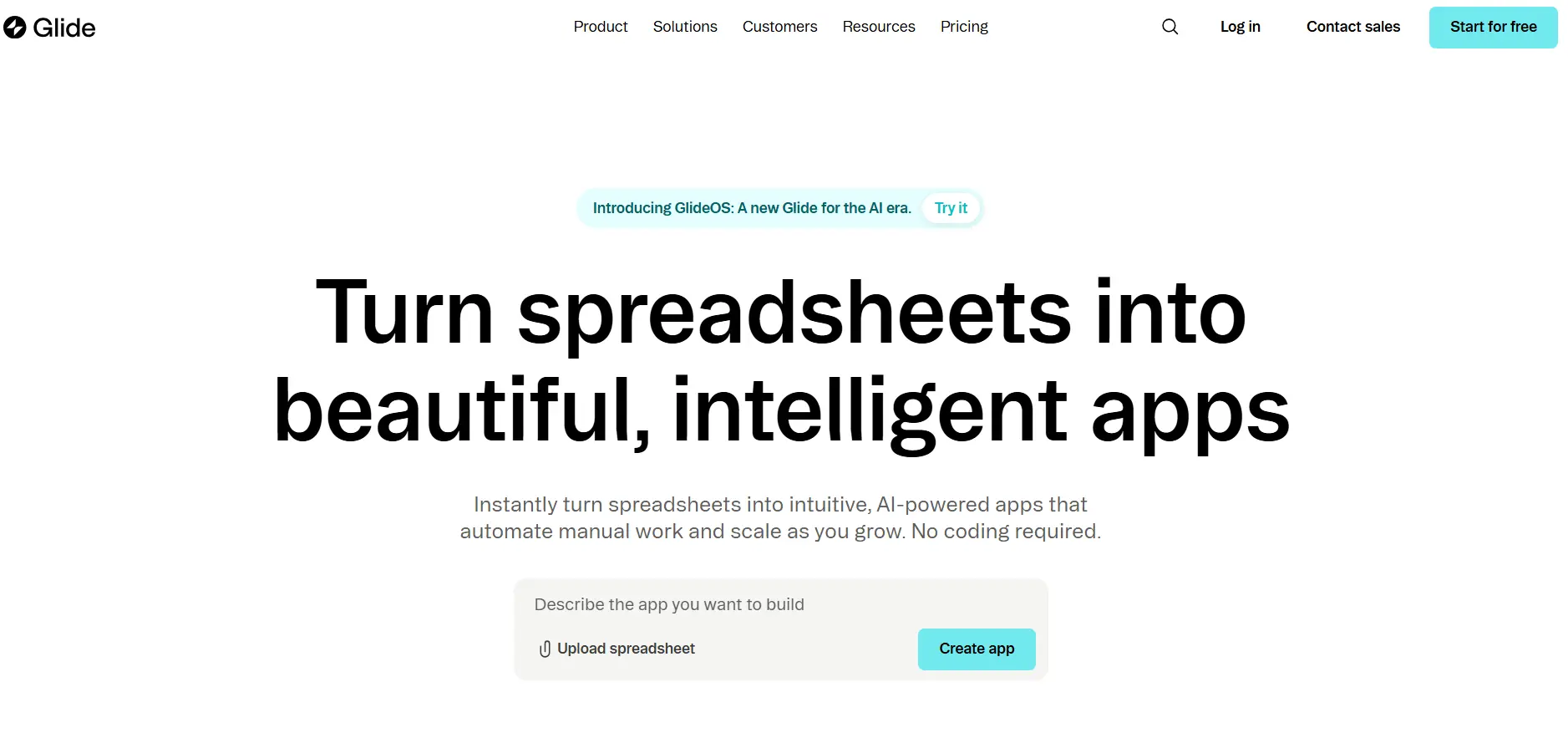
Glide is a powerful, no-code builder AI platform that assists users in instantly turning spreadsheets and databases into functional, AI-powered web apps. The users can see the beauty of operations on full display. This platform delivers modern, responsive apps, which are ready for any screen, and can be built for any kind of task.
Key Features
- AI app creator
- Build customized visual components
- Visual data management
- Offers intelligent automations
Pros and Cons Table
Here is the table stating the advantages and disadvantages of Glide:
| Advantages of Glide (AI Mobile App Builder) | Disadvantages of Glide |
| Fast app development with little or no coding required. | Limited customization compared to fully coded apps. |
| AI-assisted app creation speeds up design and setup. | Complex business logic can be difficult to implement. |
| Easy integration with spreadsheets and databases. | Performance may be constrained for large-scale applications. |
| User-friendly drag-and-drop interface suitable for non-developers. | Dependence on the Glide platform and pricing model. |
| Rapid prototyping and deployment of mobile and web apps. | Advanced features may require higher-tier subscriptions. |
| Built-in hosting, authentication, and data management. | Less flexibility in UI/UX design than in custom development. |
Pricing
Glide AI app builder uses a hybrid tiered and per-user subscription model, offering a free tier alongside the paid plans that are scaled by team size, data usage, and app complexity. The starter plan of Glide varies from $25 to $49 per month, and the business plan varies from $99 to $249 per month.
Now, as you get the complete list of the best AI mobile app builders, let’s get ahead with how to select the best AI mobile app builder in the following section.
How to Select the Best AI Mobile App Builder in 2026?
Every other person who wants to build an app is searching for the right AI mobile app builder in 2026, which can help them to build their own mobile app without renting out their money to developers.
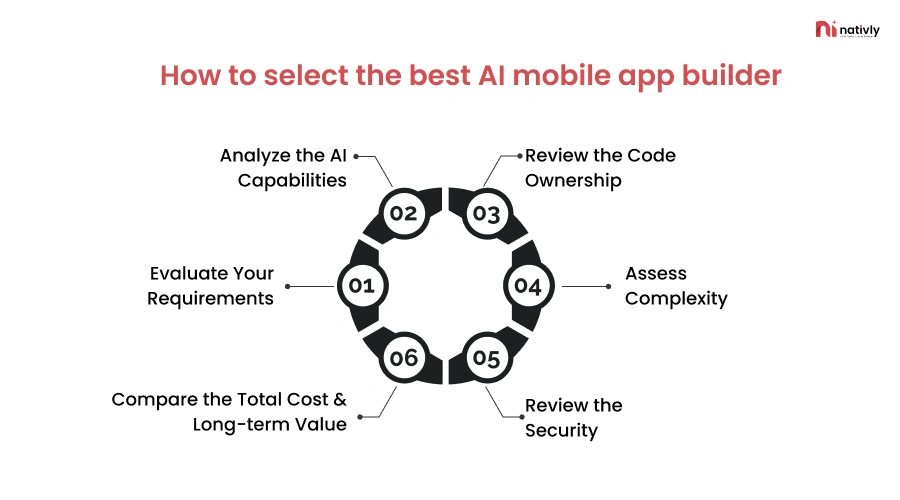
Here is the step-by-step list on how to select the best AI mobile app builder in 2026:
Step 1: Evaluate Your Requirements
This is the first and foremost step, where you evaluate why you need an AI mobile app builder for creating your app. In this step, you need to decide on what type of platform you want to launch your app on, such as Android or iOS. Based on the platform, you shortlist the AI mobile app builder platform.
Step 2: Analyze the AI Capabilities
In this step, you should identify the diversified AI capabilities that require a systematic approach, whether you’re evaluating an off-the-shelf AI analytics the possess comprises testing performance, understanding foundational metrics, and analyzing the practical business impact.
Step 3: Review the Code Ownership
For reviewing the ownership, you must evaluate the platform’s export capabilities, licensing terms, framework standardization, and proprietary runtime dependencies. With true code ownership, you can download the complete source code, host it independently, and modify it without the AI builder’s ecosystem.
Step 4: Assess Complexity
There might be certain complicated scenarios that your app might have faced. It’s all about evaluating whether the tool can handle your app’s specific features without requiring advanced manual coding. Under this step, you should balance the AI’s automation against your technical requirements.
Step 5: Review the Security
This is the next step, where you should check how secure your app’s idea is with the AI mobile app builder. You should analyze the security patterns and models that the AI mobile app builder adopts for providing robust security while building your mobile app in 2026.
Step 6: Compare the Total Cost & Long-term Value
In this step, you should compare the total cost with the estimated budget requirements you kept for selecting and building the complete mobile app via an AI mobile app builder. You can compare the total cost of ownership based on subscription and usage-based fees, along with the hidden operational costs.
Conclusion
With the growing need and popularity of AI, entrepreneurs and startups are running after the AI mobile app builders in 2026. The list of the best AI mobile app builders begins with Nativly, which converts the user’s simple English text into code and then builds a complete app.
However, the other AI mobile app builders include Zite, Lovable, Replit, and vO, which are among the top 5 AI mobile app builders in 2026. Investing in one of the builders, one should analyze the requirements, identify the AI capabilities, review the code ownership, assess the complexities, and then review the security patterns to convert your idea into an app via an AI app builder.
FAQs
Q1. What is an AI mobile app builder?
An AI mobile app builder is a platform that uses artificial intelligence to create apps from simple text or voice prompts. Instead of coding manually, users describe their app idea, and the AI generates the interface, logic, and core functionality.
Q2. Which AI mobile app builder is best for creating native iOS and Android apps?
Nativly is one of the strongest options for native mobile app development because it generates real native iOS and Android apps from natural language prompts. It also provides code ownership and one-click app store deployment.
Q3. Do I need coding experience to use an AI app builder?
Most AI app builders, such as Glide, Lovable, Zite, and Bubble, are designed for non-technical users and require little to no coding knowledge. However, advanced customizations and complex business logic may still require developer assistance.
Q4. Can I own and export the source code generated by AI app builders?
Some platforms, including Nativly, Replit, FlutterFlow, and Dyad, offer source code export and ownership. This allows developers and businesses to modify, host, and maintain their applications independently.
Q5. How do I choose the right AI mobile app builder?
Start by evaluating your app requirements, AI capabilities, code ownership options, security features, scalability, and overall cost. Comparing these factors helps ensure the platform aligns with your long-term business goals.
Q6. Are AI mobile app builders suitable for enterprise-level applications?
Many AI app builders are excellent for MVPs, prototypes, and small-to-medium business applications. However, some platforms are still proving their scalability and may require additional development work for large enterprise deployments.